Adobe Photoshop 7.0
Adobe Photoshop 7.0 is one of innovative photo-editing apps on a professional level

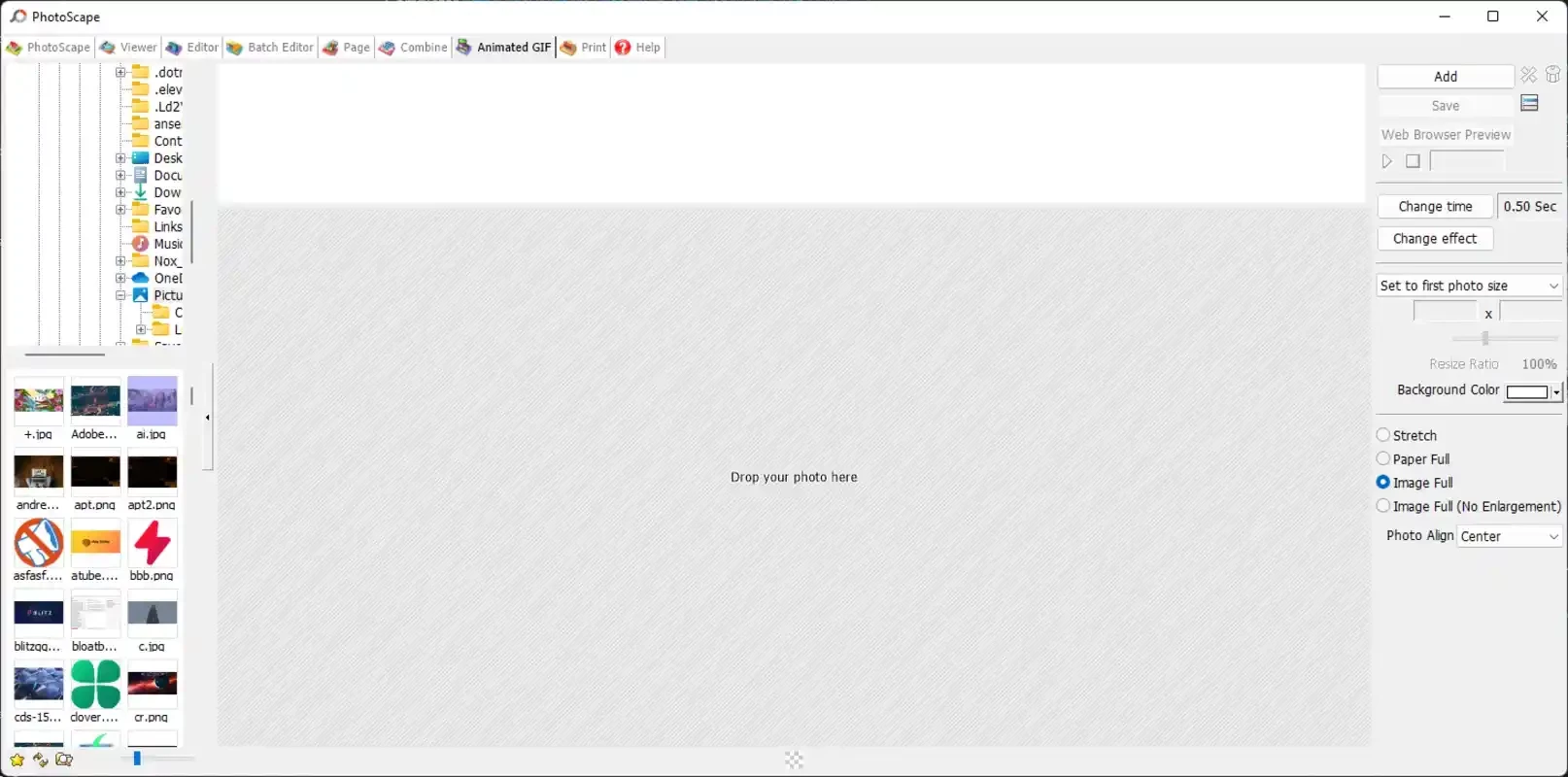
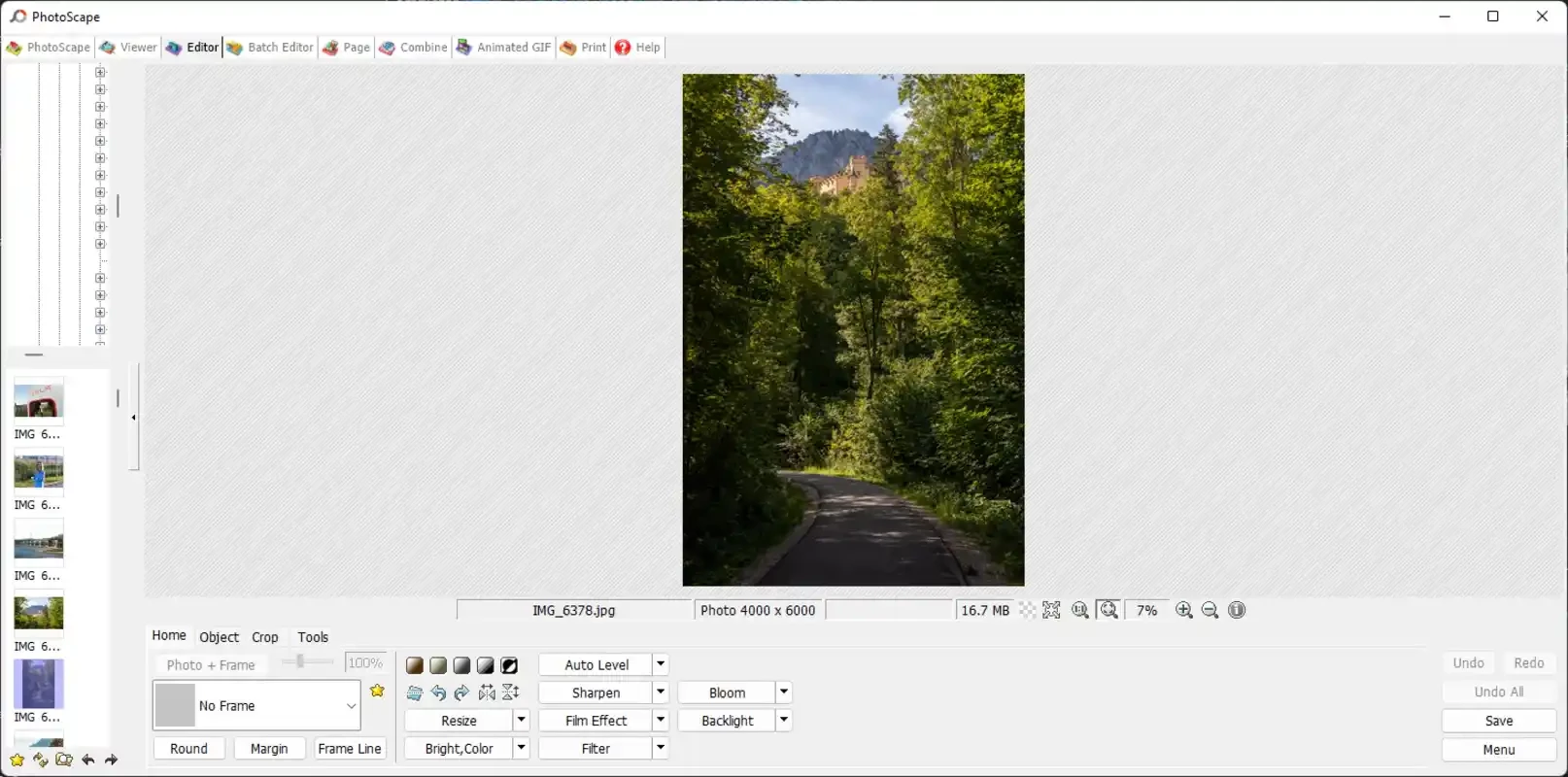
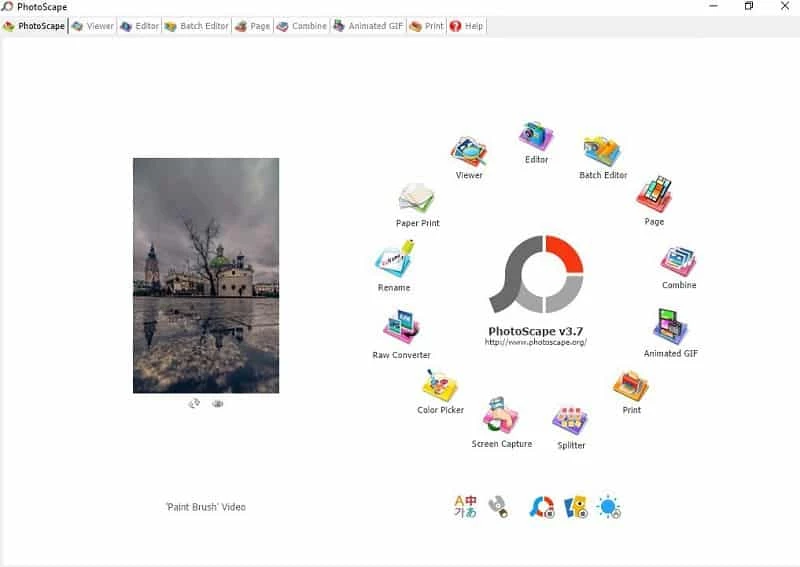
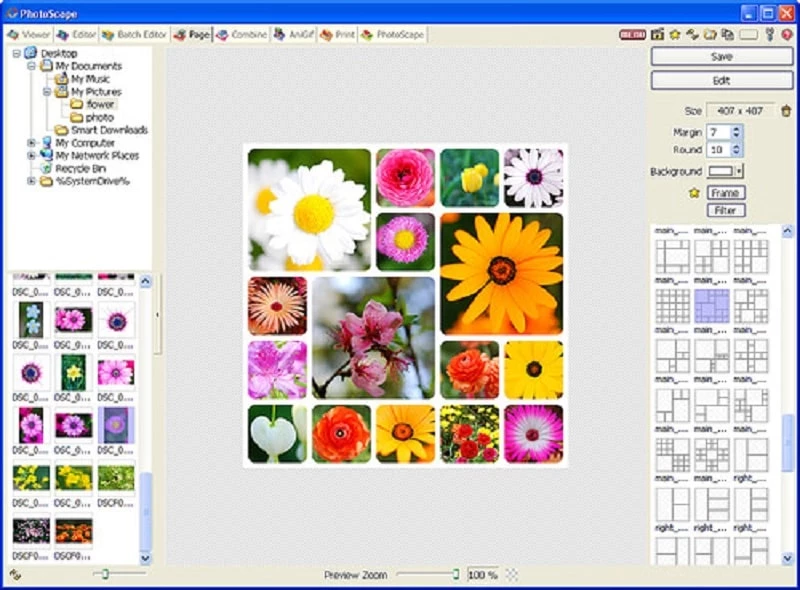
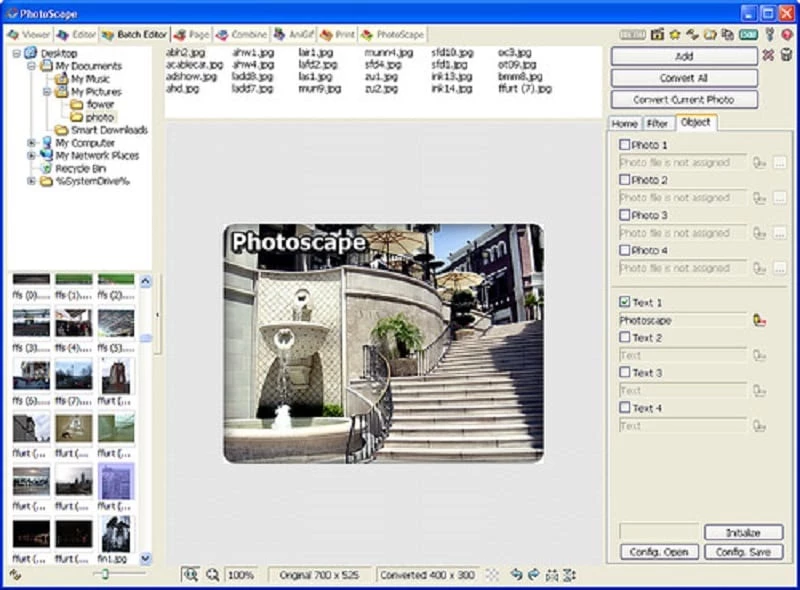
PhotoScape is a free, comprehensive photo editor with services for different types of casual editing for beginners to seasoned editors. The user-friendly interface with all-in-one functionality is the best solution for users who aren’t capable of managing the big sharks in photo editing.
You will find a simple and smooth carousel of features to continue your editing from simple to advanced level, so creating GIFs, batch editing, etc, are part of this innovative software. It supports both operating systems: the PC Windows 7/10/11 and smartphones as well.
PhotoScape is a simple yet versatile and powerful photo editing utility to facilitate the editing process more reliably, specifically designed for new learners. It requires no technical skill, instead allowing you to easily manage basic photo fixes, quick creative edits, hassle-free image adjustments, and so on.
The comprehensive software caters to a user-friendly interface, aiming for simplicity and versatility that enables the users to apply basic adjustments such as brightness, contrast, etc, along with multiple advanced features including red-eye reduction, collage creation, GIFs creation, batch editing, and a lot of others.
You need only to click on the “Open Photo” button to load your photo. Start editing the photo while using different editing tools according to your preferences. Add creative effects and filters to your photo, and create collages using the ‘Collage’ tab. After editing, save the photo in the format you like.
The software supports multiple file formats for your ease in converting the photos to the format you like or most suitable for your device. So, you can convert RAW files into JPG, and other supported formats are PNG, CRW, RAF, NEF, ORF, and DCR to the most common extensions such as JPG, PNG, JPEG, GIF, BMP, TIF, and so on.
The app offers all basic editing features such as resizing, cropping, rotating, and flipping. You also use the adjustment tool for brightness, sharpness, backlight, and contrast. Multiple innovative integrated effects and filters are available to apply for getting awesome results, and also use the viewer to view your editing process. You will see all related information about the photo at the bottom of the screen. Use your keyboard and mouse to move to the next photo.
You are capable of editing multiple photos simultaneously using the ‘Batch editing’ feature, as it helps to manage your photo gallery more reliably, accurately, and awesomely. It will save your time and energy. In addition, you can create a GIF for use in different apps and other purposes.
The app also offers a collage tab to merge multiple photos to create a single one, and organize them within page frames. Moreover, you can craft stunning panoramas while attaching photos vertically or horizontally.
The app also allows you to enhance your creativity while offering multiple drawing tools. So, you can draw images, crop them, and use multiple filters and effects to create your masterpiece. You will find multiple ready-made templates to select, and apply editing tools to set your own photo gallery.
The simple and intuitive interface with a lot of simplicity and reliability offers free navigation for all features, regardless of basic or advanced features. So, you do not need to pay any charges for editing your photos, even using the pro features as well.
The app offers an efficient team of developers to help you in case of facing any irritating issues. If you feel any difficulty while using the app, simply contact the team, discuss your problem, and fix the issue within seconds.
You will find multiple simple-to-use tasks such as
Pros
Cons
Adobe Photoshop 7.0 is one of innovative photo-editing apps on a professional level

Adobe Photoshop is designed for editing images, graphical designing, and manipulating digital images.

Stable and enhanced photo editing with Adobe Photoshop CS3

PicWish, edit your photos using AI advanced technology

Adobe PageMaker creating documents via scratching, templates, and images

PixelLab offers the capability of editing your photos on the big screen.